
Get OrgoMedia. Running in minutes.
OrgoMedia runs on your Mac or Windows PC and organizes your movies and shows, free with no card. The iPhone app lets you and your household request from anywhere. Invited by someone? You only need the iPhone app.

iPhone, iOS 16 or later
- Download forMac
Mac, macOS 15.4 or later
- Download forWindows
PC, Windows 10 or 11, 64-bit
The Mac and Windows apps install on your computer.
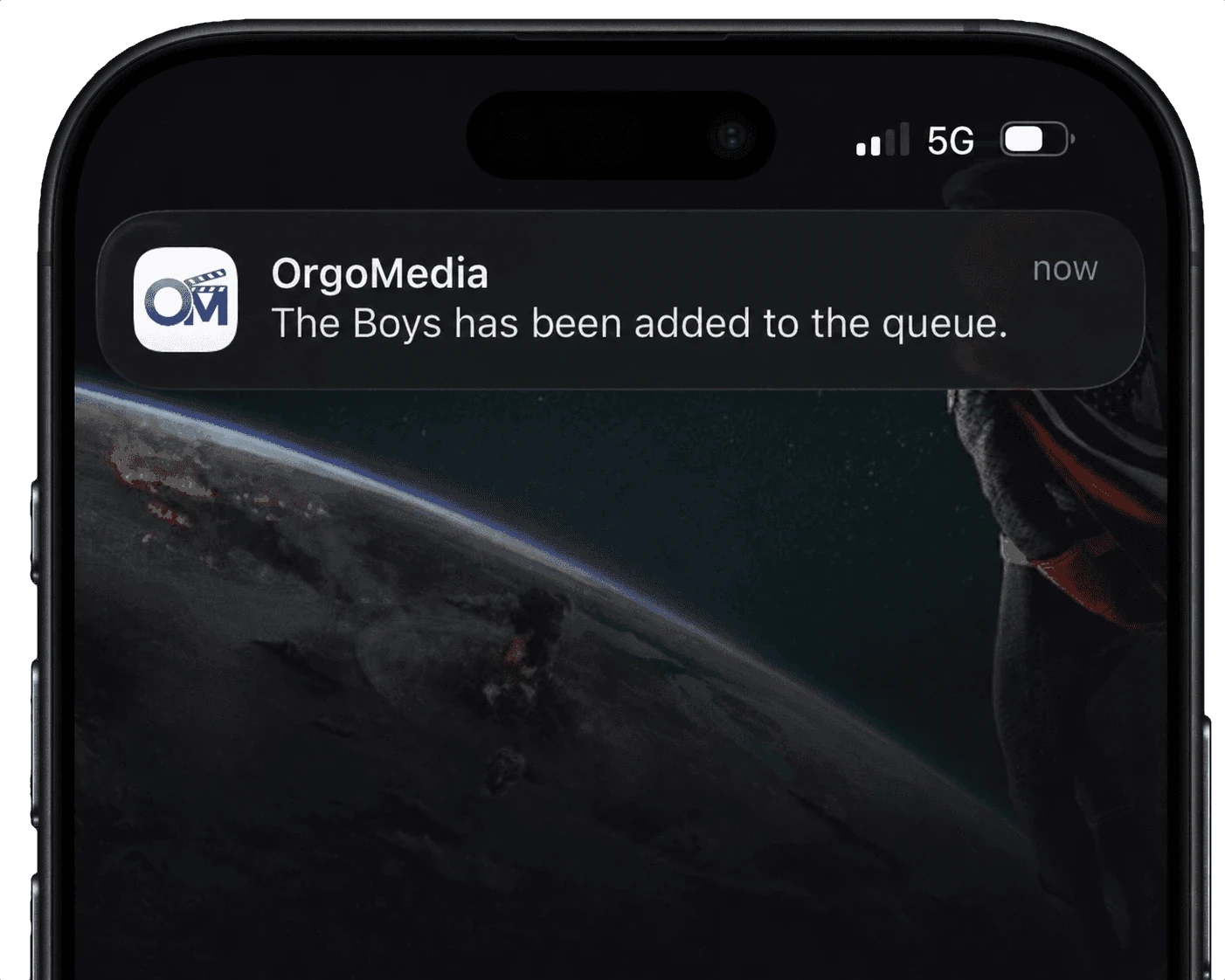
Up and running in three steps.
Install it on your computer
On a Mac, drag OrgoMedia to Applications. On Windows, open the installer: it adds OrgoMedia to the Start menu.
Sign in with Apple or Google
Your browser handles the sign‑in and hands you back to the app. Then choose the folders where your movies and shows live.
Add your iPhone and household
Sign in to the iPhone app with the same account, then invite your household from Household › Invite.
What each app needs.
| App | Runs on | Where to get it | Billing |
|---|---|---|---|
| Windows | Windows 10 or 11, 64-bit | Download for Windows | In the app, under Manage Subscription. Cancel any time. |
| iPhone | iOS 16 or later | App Store | Apple, through your Apple ID |
| Mac | macOS 15.4 or later, Apple silicon or Intel | Download for Mac | In the app, under Manage Subscription. Cancel any time. |
Household members only need the iPhone app: they get it free, redeem your invite and start requesting.
Want a hand getting set up?
The guide walks through every step, from the installer to inviting your household.